Have you used Adobe Firefly before? Me neither. But we have free access to it via the University and the TEL team has used it, and so did a session for us on it. It can be used to for images to put in lesson handouts and slides, but also online platforms like Wooclap and Quizlet.
You write a prompt in a box and it generates images.
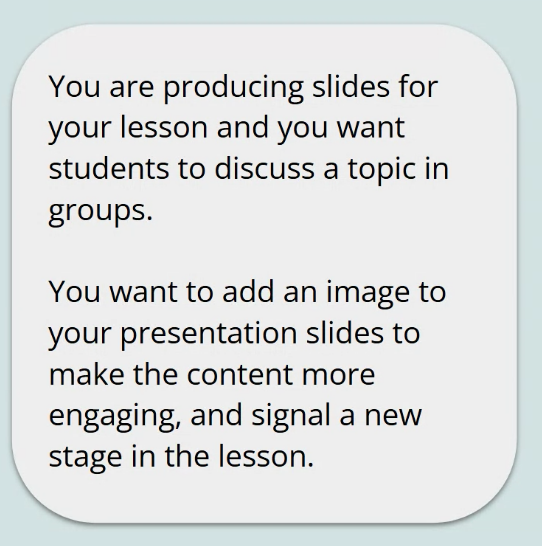
This was a scenario given to us:
Prompt 1: an image of 4 students in a discussion. This was the result:

Issues: There are 3 students and teacher. They look quite young while we teach university age students. Three of them are blonde so it isn’t a good representation of our students. So this is an example of the bias that exists in AI in an automatic result with no detail prescribed in the prompt.
Prompt 2: an image of 4 university students from diverse background in a discussion. This was the result:

Problems: They are not in a classroom.
Adding “seated” (to be more typical of a classroom):

Not a perfect picture (looks a bit like an airport…) but better than the first picture! In terms of the purpose of generating the image, this would probably work. Prompt writing/editing for Adobe Firefly tends to take multiple iterations before you get something you might be happy to use.
We were given the following tips:
- add more detail to get better results;
- be aware of bias as you engineer prompts and evaluate the outcome;
- be picky – it may take several iterations to get what you want. Sometimes a fairly simple prompt immediately yields a satisfactory outcome but usually it takes a bit more effort. Particularly to produce an outcome that is suitably representative for an international student population.
Adobe Firefly has a lot of stock images that it draws on which means the quality is better than similar counterparts.
Once you have generated an image you can also edit it to a certain extent. Which is good as the first images you get can have arm melds, funny shaped heads and so forth! It’s not very good with limbs. A central human image may be fine but anyone in the background or if you require groups/more people, then problems abound! Despite these issues, Firefly is better at it than Gemini.
So al very cool but actually stock images like Pixabay (and creative commons licensed like Flickr – in particular ELTpics – if the context is suitable), i.e. human generated, are much less resource-intensive to use. So, don’t get too carried away by the “it’s so cool” thing. I tend to use Google image search and the appropriate level of license filter, personally.
My general impression: I can’t currently see an Adobe Firefly – shaped hole in my life that needs filling. I wonder if in 5 years time I will look back on this post with an “oh you innocent child” type lens or not?! Time will tell! It was a good session though, after being shown the prompts and pitfalls, we went into a breakout group and had to come up with prompts for another scenario. Unfortunately in my group, none of us had access sorted out yet so we couldn’t test the prompts we wrote.
 Lizzie Pinard